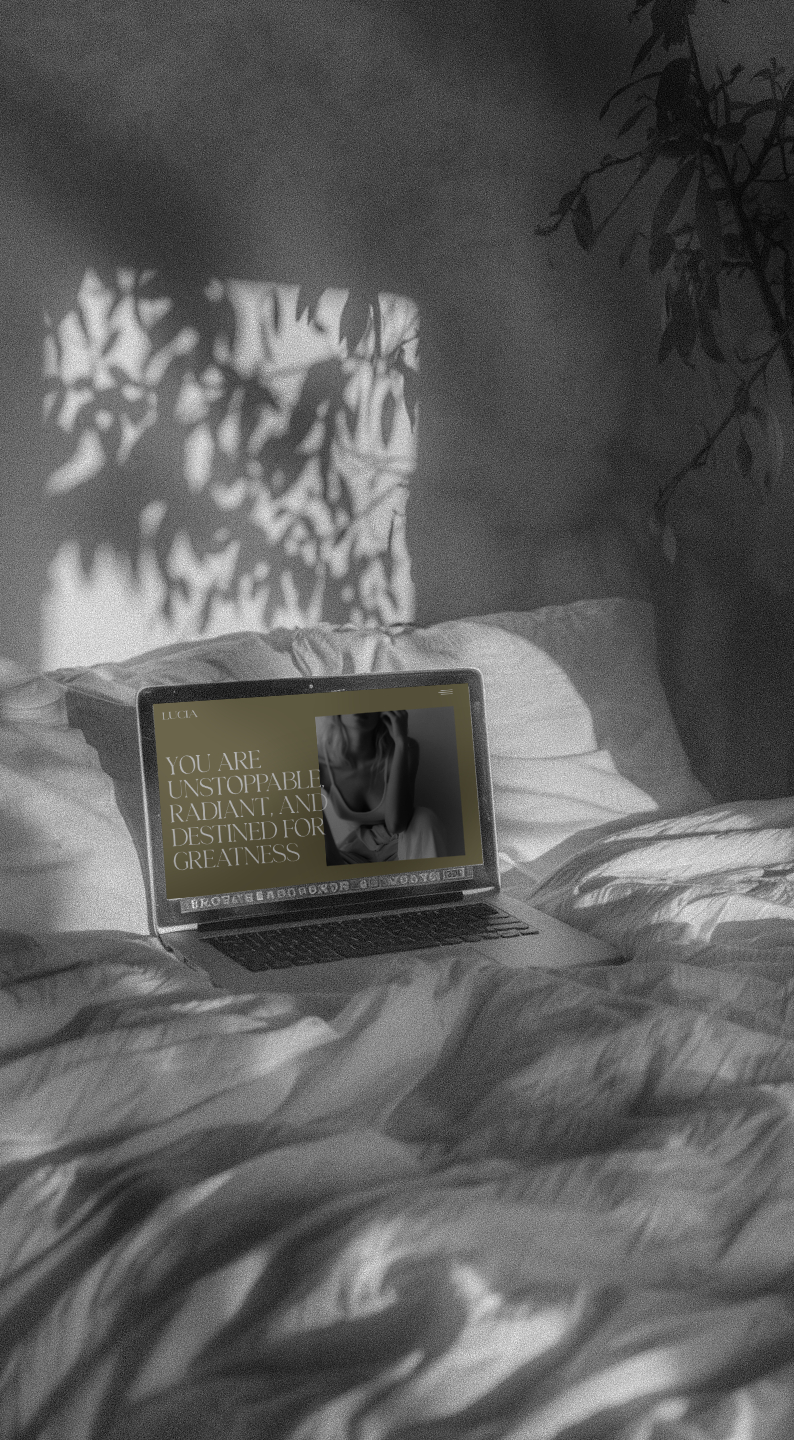
If you’re a creative, designer, photographer, or coach, your website is often the first impression people get of your business. And let’s be honest—it’s easy to make mistakes that silently hurt your credibility, clarity, and conversions.
The good news? Most of these mistakes are easy to fix, especially if you know what to look for.
Here are five of the most common website mistakes creatives make—and exactly how to avoid them.
01 — Confusing or Cluttered Messaging
The problem: Your website visitors shouldn’t have to guess what you do or who you help. Too many words, too many options, or vague messaging leaves people confused and makes them leave your site.
How to avoid it:
- Start with a clear headline that tells people exactly who you help and how.
- Break up large blocks of text with bullet points or short paragraphs.
- Focus on benefits, not just features—what will working with you do for them?
- Use free tools like Hemingway Editor or Grammarly to simplify your copy and make it scannable.
Pro tip: Your homepage should communicate your value in under 5 seconds. If someone can’t figure out what you do that fast, it’s time to simplify.
02 — Slow-loading Pages
The problem: Nothing kills trust like a website that feels slow or clunky. People leave before they even see your work if your site takes too long to load.
How to avoid it:
- Optimize images for web: large files are a common culprit. Free tools like TinyPNG, Pixresize (my personal fave) or redketchup.io compress images without losing quality.
- Limit animations or heavy effects: they can slow down the site.
- Consider a platform like Showit: where speed and performance are built in for creatives.
A fast website isn’t just nice-to-have, it signals professionalism and keeps visitors engaged.
03 — Poor Mobile Experience
The problem: Most people browse on their phones first. A site that looks amazing on desktop but breaks on mobile feels unprofessional and frustrating.
How to avoid it:
- Check your site on mobile devices frequently while designing.
- Use responsive layouts or templates that automatically adjust.
- Prioritize readability: bigger text, buttons that are easy to tap, and clear spacing.
- Use Google’s Mobile-Friendly Test to catch any issues early.
When your website works seamlessly on mobile, you build trust and confidence without even realizing it.
04 — Hard-to-find Contact Information
The problem: You could have the most stunning portfolio, but if someone can’t figure out how to get in touch, you lose the client before you even start.
How to avoid it:
- Make your contact page obvious in your navigation.
- Include multiple ways to reach you (form, email, phone, social).
- Add calls to action on key pages: homepage, services page, portfolio.
- Tools like HubSpot’s free form builder make creating contact forms simple and reliable.
Remember: the goal of your website is not just to look pretty—it’s to turn visitors into clients.
05 — Ignoring Strategy and Flow
The problem: A beautiful site isn’t enough if it doesn’t guide visitors naturally. Many creatives focus on visuals first and forget to think about how someone actually navigates the site.
How to avoid it:
- Map your site flow: homepage → about → services → contact.
- Think about your visitor’s journey and what they need at each step.
- Use free tools like Trello or Miro to plan your pages visually.
- Templates, when used thoughtfully, give you a ready-made structure that supports clarity and conversions.
A site with intentional flow helps people know you, like you, and trust you—which is the first step toward working with you.
Final Thoughts
Your website is more than a digital business card—it’s your best marketing tool. Avoiding these common mistakes can make a huge difference in how people perceive your brand and whether they decide to work with you.
If you want a website that’s clear, fast, and designed to convert, starting with a Showit template can give you the foundation you need. And if you want a site fully tailored to your brand and goals, custom design can take the stress off your plate entirely.
Next Steps
- Feeling overwhelmed with your website? Check out my Showit templates for creatives ready to launch a polished site quickly.
- Ready for full strategy and a site built around your business goals? Apply for custom design and get one-on-one support from start to finish.
Your website should help you grow your business (not hold you back).


comments +